

Delivery Strategy
4 Holiday Catering Delivery Checks Before Pickup
The holiday season brings in more catering orders than most kitchens can deliver on their own. Here are four things to check before each pickup, so every order arrives on time and looks right.
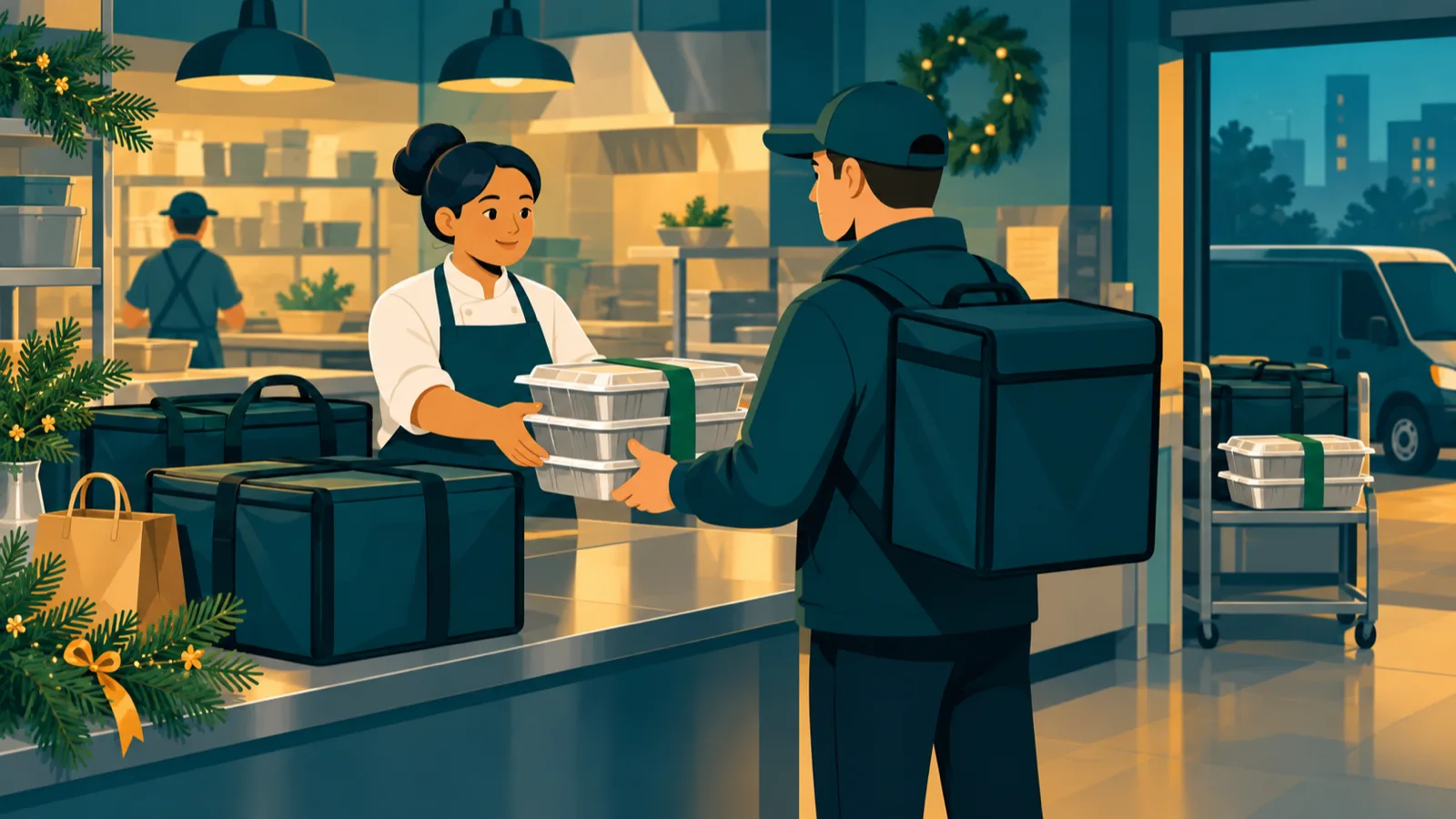
By the middle of November the morning board is full. The 11:30 office lunch is packed and waiting by the door. The food for the 1:00 reception is still in the oven. And the person who would normally drive the first order over is the person plating the second.
Through October, November, and December, the number of people who can leave the building is what limits how many events you can take. A delivery service for small business catering gives that capacity back without putting anyone new on payroll.
Why the holiday season breaks a small business delivery schedule
Most of the year there is slack in the day. Somebody leaves for twenty minutes and the kitchen absorbs it. In the busy season that slack disappears. Orders start stacking against each other, every one of them has a serving time that will not move, and everyone on payroll is already doing a job.
So the work has to happen before the driver arrives. That means working backward from the hour the client eats, and settling the details while the food is still on your counter and someone is standing next to it.
Check these four things before the driver arrives
Each of these takes about a minute. Between them they account for most of what goes wrong on a holiday run.
1. What is going, and how much of it. Count the trays, bags, utensils, cups, napkins, and serving pieces. Check that count against the order sheet before anything leaves the counter. A missing bag of utensils turns a delivered lunch into a delayed one, and it is the easiest thing on this list to catch. ezCater's catering operations guide recommends staging each order by customer and delivery time the night before, which turns this check into a ten-second look rather than a recount.
2. When it is cooked versus when it is served. The gap between them is yours to manage, because the driver only ever sees the pickup time you set. Fix the kitchen-ready time so the full order is packed and checked before pickup, then set the arrival window backward from the client's serving time. If the venue only receives deliveries between 10 and 11, that window is the real constraint and everything else bends around it.
3. Which door, which floor, which person. Write down the delivery entrance, the floor, the room, whatever the security desk needs, and the name and cell number of whoever is signing for it. A booking note that reads "holiday lunch at the office" sends a driver into a lobby with three doors and nobody expecting the order.
4. Where the food lands. Say where the driver should put it: the conference table by the window, the counter in the break room, the cart the venue leaves by the elevator. Basic setup is included when you ask for it in the notes, so say if you want the trays laid out, the utensils set, and the labels placed.
If the plan moves mid-morning
Plans move on event days. What decides how much it costs you is how fast the change reaches the driver.
If the kitchen is running behind, move the pickup time as soon as you know, while there is still room to absorb it. If the client shifts lunch from the fourth floor to the second, update the room and the contact before the driver is inside the building. And if the arrival is going to slip, call the client with the new plan before their guests sit down, because a caterer who calls at 11:40 is managing an event and one who calls at 12:10 is apologizing for one.
Every UniHop order carries real-time GPS tracking, SMS status updates at each milestone, and a photo confirmation when the food is handed over, so you can see where a run is without calling anyone. Business accounts can also edit some details straight from the portal. Once a driver has been assigned or the food is already picked up, contact Support through the portal with the Order ID and the change, and the team will work it out with the driver.
Where a delivery service for small business fits
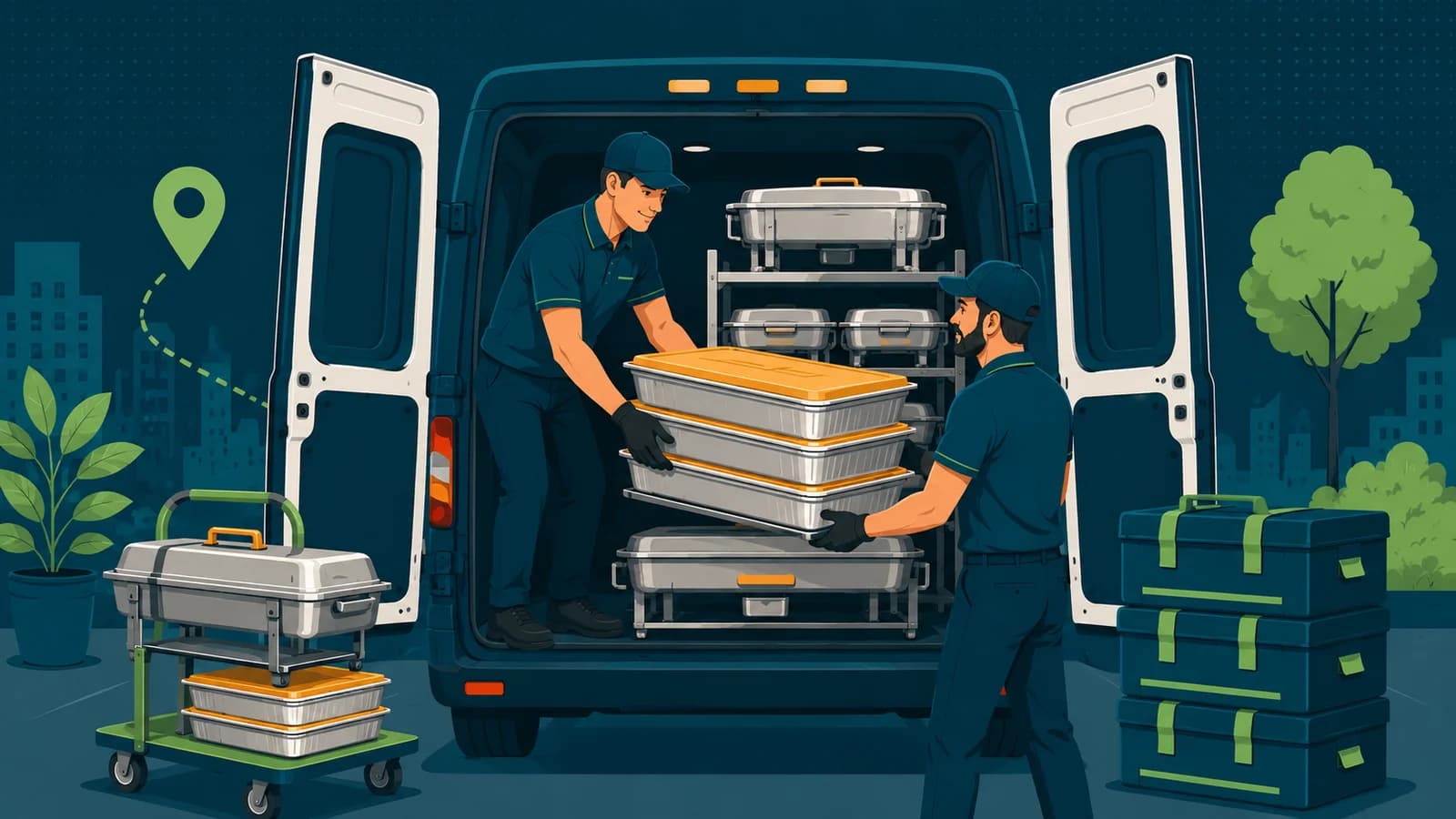
UniHop books catering as Special Handling. Dispatch picks a driver for your order and briefs them on your notes before pickup, instead of releasing the job to a queue. Your access instructions and placement notes reach that driver ahead of time, so nobody from your kitchen has to ride along to explain them. If a run is long or the food needs to hold, ask for insulated bags when you book, and with enough notice the team can coordinate bags, carts, or a larger vehicle.
If catering delivery becomes a standing part of your week rather than a seasonal stopgap, ask about keeping the same driver, or a small pool of them, on your account. Drivers who run your orders repeatedly learn your packing, your buildings, and your regular clients. They can also be briefed on your own standards for how food should arrive and be presented. A marketplace app sends whoever happens to be closest to your kitchen that morning, and that driver has no way of knowing any of it. UniHop hands you that control instead: dispatch chooses the driver, and you decide what they are told before they arrive.
A catering company should not have to become a delivery company as well. The small-business catering delivery page covers how this works for smaller operations, and corporate catering covers events with a fixed start time. Start with the holiday orders that would otherwise pull a cook out of the kitchen, and get a quote with your actual schedule in hand.
Common Questions
Can a small caterer use UniHop just for holiday overflow?
Yes, and it is a common way to start. There is no contract and no minimum, so you can hand off only the weeks when everyone on staff is needed in the kitchen. Plenty of caterers who begin with holiday overflow move the rest of their deliveries across once they find how easy the delivery is.
Does Special Handling include setting up the food?
Basic setup is included when you ask for it in the booking notes. The driver will lay the food out, set the utensils, place your labels, and leave the table looking the way you want a client to see it. Chafing dishes, sternos, and full event staging stay with your team or the venue.
What if several events go out at the same time?
Book each one as its own order, with its own kitchen-ready time and arrival window, and dispatch assigns a driver to each. Two small drops in the same building can share a run. Two large ones should not, because the second order sits in the car while the first is carried in and set up.
Need delivery you can count on?
UniHop handles last-mile delivery for local businesses — no contracts, no commissions.
Get a Quote